Engineering and inspection firm operations
Engineering & Inspection Operations Kit
Organize the internal operations of a civil engineering, construction-support or inspection firm: project intake, deliverable review, recurring administrative routines and capacity planning. Record assigned responsibilities without implying professional authorization.
Built for: Small civil engineering, construction-support and inspection firms organizing service delivery.
Use it in your industry
- Record an incoming request for site-observation reports and qualification checks.
- Review daily-report completeness before authorized distribution.
- Plan staff coverage and recurring report-correction follow-ups.
Inside your download
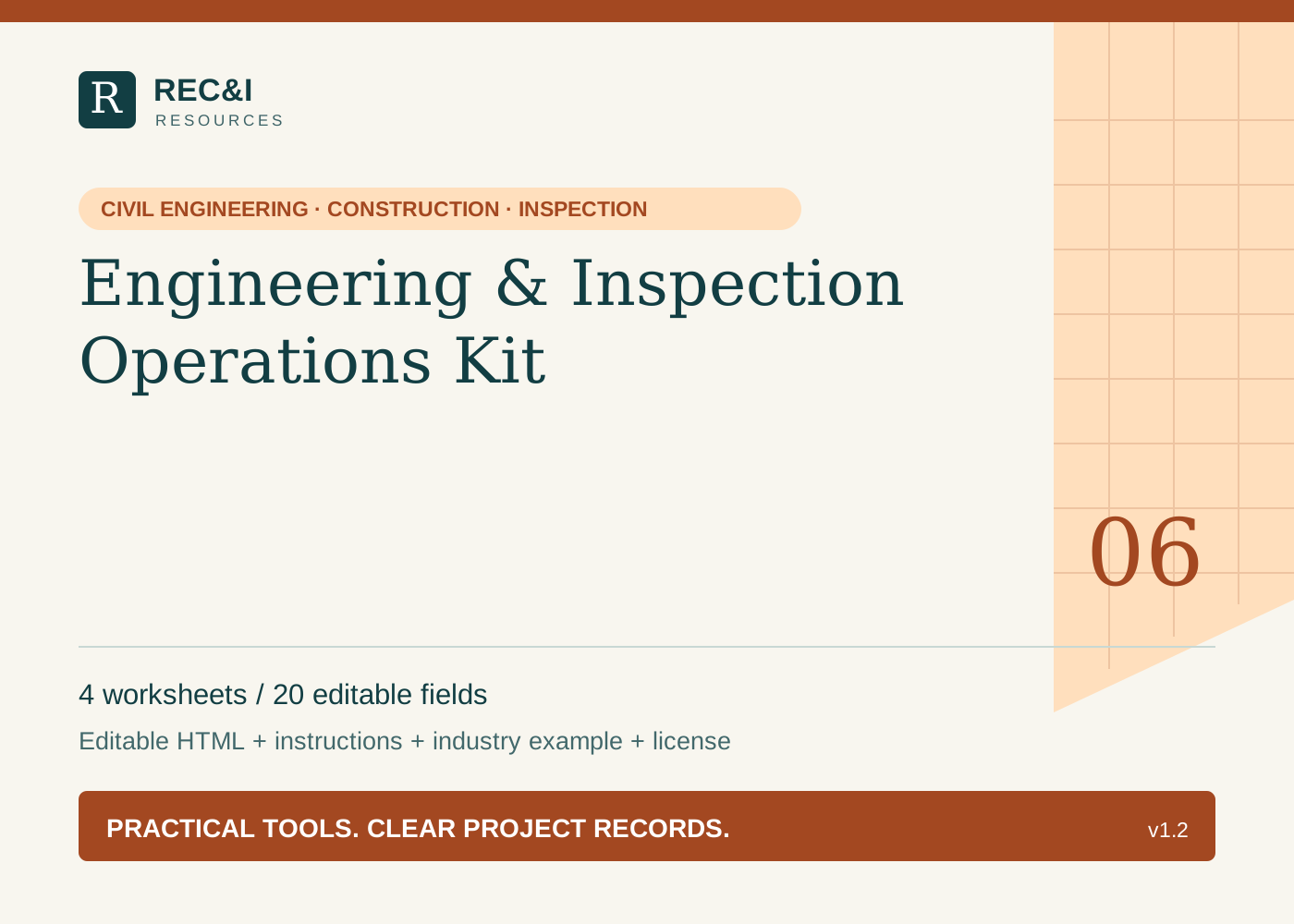
Version 1.2 · 4 guided worksheets · 20 editable text fields, plus instructions, a fictional worked example, and a single-business license.
Engineering or inspection service intake
Capture the requested service, project requirements and unresolved scope questions before committing staff or dates. This is an internal intake record, not a contract or determination of professional eligibility.
Prompts include: Request date / client reference / civil project and location; Requested service: documentation, site observation or coordination / desired deliverable; Requested work areas and frequency / stated inclusions and exclusions; Required drawings, specifications, access and client inputs / owners / dates; Required credentials or authorization to verify / designated reviewer / engagement status.
Project deliverable review checklist
Use the project’s required format and review authority. A complete checklist does not certify an engineering design or establish construction acceptance.
Prompts include: Project / daily report, photo index or coordination record / version; Required sections / date, location, units and document-reference checks; Observation-source and attachment checks / missing evidence / review notes; Assigned reviewer / stated review outcome / date / distribution permission; Corrections / responsible person / resubmission reference.
Recurring firm routine
Describe a repeatable administrative task such as checking open report corrections or reconciling field assignments. Store no passwords or confidential project details in the blank master.
Prompts include: Routine / purpose / responsible person / project or firm scope; Frequency / next due date / backup owner; Required project register, report queue or assignment inputs / permitted access; Steps: check source records, record exceptions, route questions and log completion; Missing-input or staffing response / escalation contact / completion evidence.
Weekly firm operations review
Review recorded commitments and available staff time. Verify required qualifications separately; this planning record does not establish that a person may perform a regulated service.
Prompts include: Week / reviewer / active civil, construction and inspection engagements; Reports or deliverables issued / review status / evidence references; Client questions / overdue corrections / unresolved scope requests; Available staff time / site coverage requests / qualification checks pending; One process improvement / measurable review target / next check date.
A fictional industry example
Fictional example: Brookside Inspection Services receives a request for three documented drainage-site visits and a weekly observation summary. Intake records the supplied drawing revision, site-access contact and proposed visit dates; design revisions, testing and acceptance decisions are excluded from the proposed administrative scope pending the engagement review. Before assigning staff, the firm verifies the applicable project qualification requirements. A recurring Friday routine checks unissued reports and missing photo references. The weekly review finds two reports awaiting location corrections and assigns an owner and due date. It does not claim the work complies with the design because a report was issued.
How the files work
Download and extract the ZIP. Open START-HERE.html in a current desktop browser with JavaScript enabled. Complete the fields, choose Save a filled copy, and reopen the downloaded HTML to verify your entries. Keep an untouched original.
Edits are not saved automatically. Print / Save as PDF uses your browser's print dialog; review each page before sharing. No installation, account, or internet is needed after download. Mobile file saving varies by browser; desktop use is recommended.
What is not included
No Excel, Word, or pre-made PDF files, spreadsheet formulas, attached-file storage, cloud sync, integrations, automated reminders, AI, or future updates are included. These are documentation and planning aids. They do not provide engineering services, inspection, certification, acceptance decisions, or technical advice.
Project requirements and assigned responsibilities govern. Store your files under your project's rules; the kit does not encrypt them.